Installing Inno Installer
Detailed below is the procedure for installing Inno.
- Download the setup file. I will be installing version 5.5.5
http://www.jrsoftware.org/download.php/is.exe
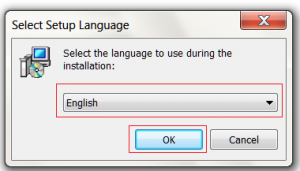
- Select your language from the combo box and then click ok
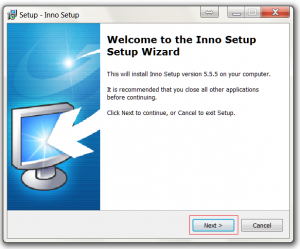
- Click the Next button on the welcome screen.
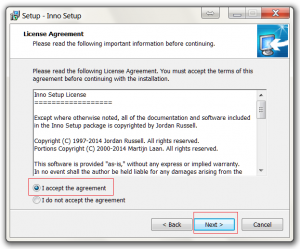
- Select Accept and then click the next button
- Change the install location if required and then click the next button.
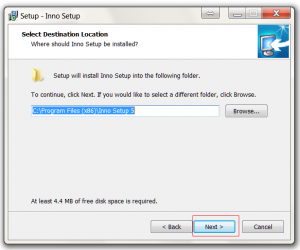
- Change the start menu icon location if required and then click the next button.
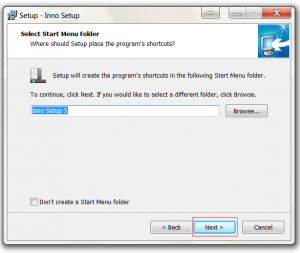
- Click Next button to to install the preprocessor.
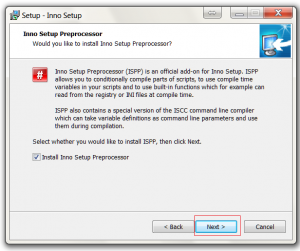
- Enable the additional settings if required and then click the next button.
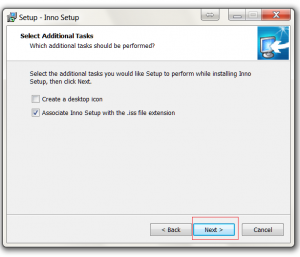
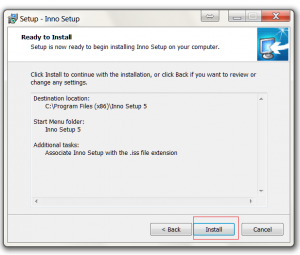
- Click the install button to start the installation.
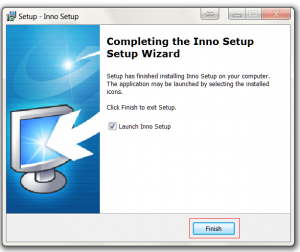
- Click the finish button to complete the install.